
Niche Overview
Find the Best Niche for Your Channel — and Export the Data
Find the best niche for your channel & also export the findings.
The problem
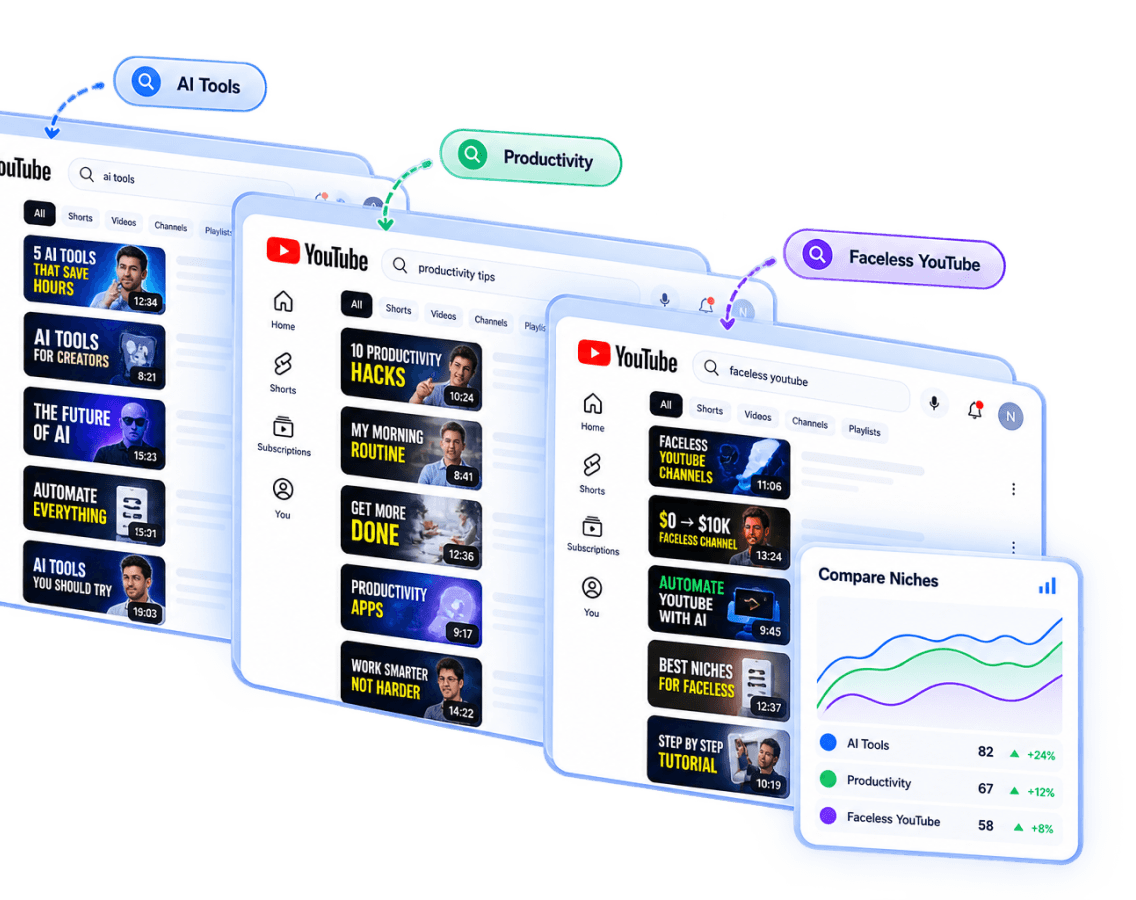
Comparing niches by hand across browser tabs makes it hard to keep track of what you've already ruled in or out.
What You Get
What Nexlev gives you
Get an overview of the best-fit niches for your channel.
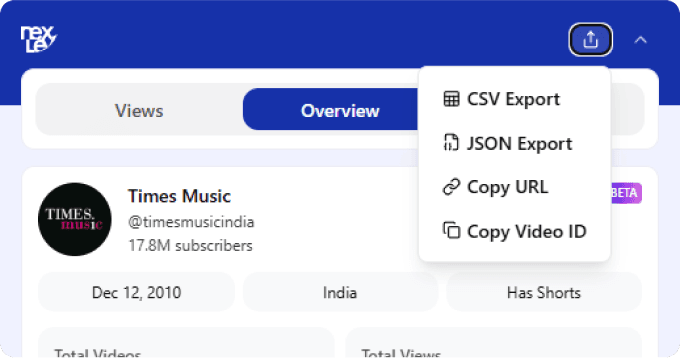
Export findings for deeper offline analysis.
Simple Process
How it works
Step 1
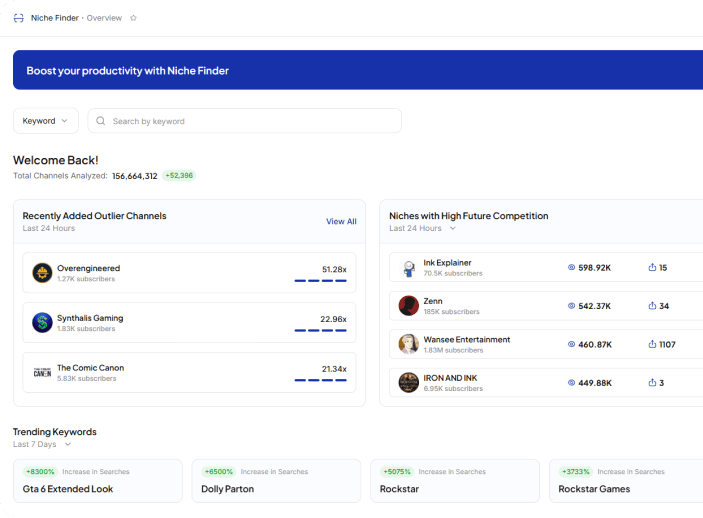
Open Niche Overview.
Step 2
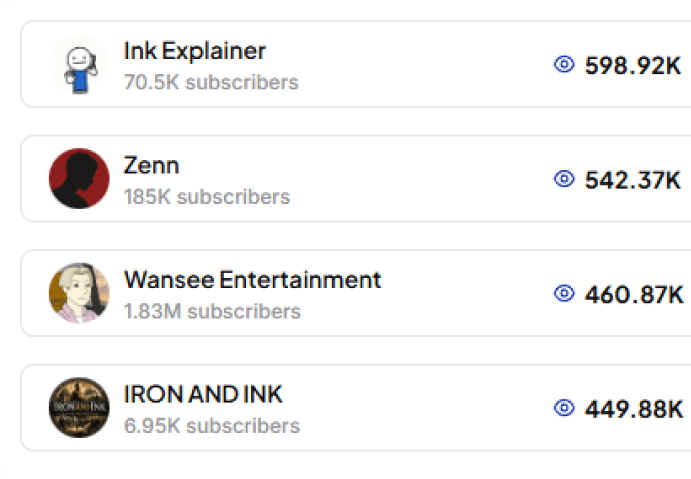
Review suggested niches.
Step 3
Export data as needed.
FAQ
Frequently asked questions
You can export your Niche Overview findings as CSV for spreadsheets like Excel or Google Sheets, or as JSON if you want to work with the data in your own tools.
Find Your Next Niche With Better Data
See My Niche Overview